
ADE Lab Hackathon · Amsterdam
DJSetFlow
Build the set on your phone.
Fill the gaps.
Walk out with a USB stick.
Stay up to date
Leave your email and we'll let you know when Setflow is ready.
- iOS
- iPadOS
- macOS
- visionOS(coming soon)
thumb drive
In action
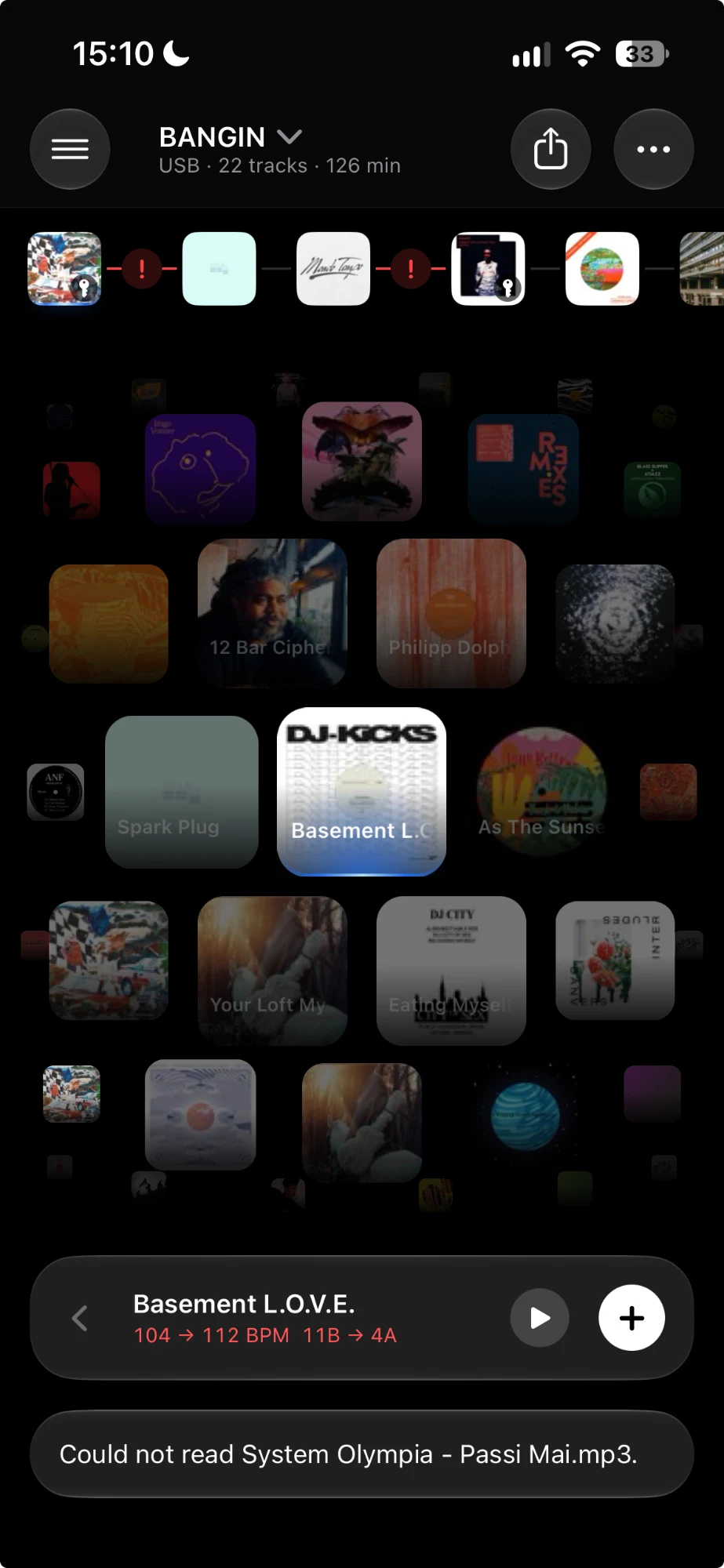
From a new set to an AI bridge: seventeen screen recordings from the iPhone app, side by side.
On iPad
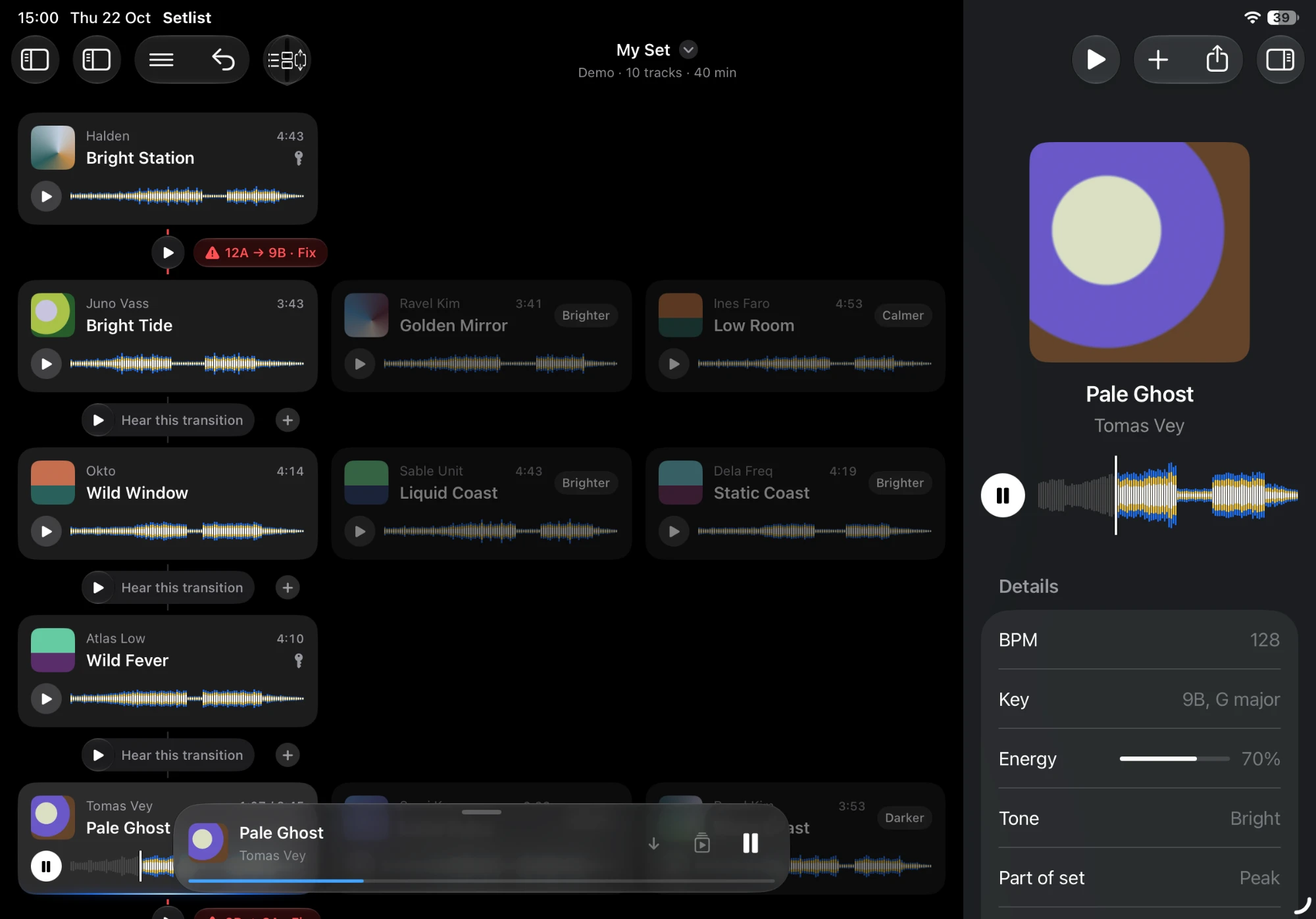
Library, canvas and inspector side by side. Alternatives for every slot, and a fix for every clash.
Fill the gaps
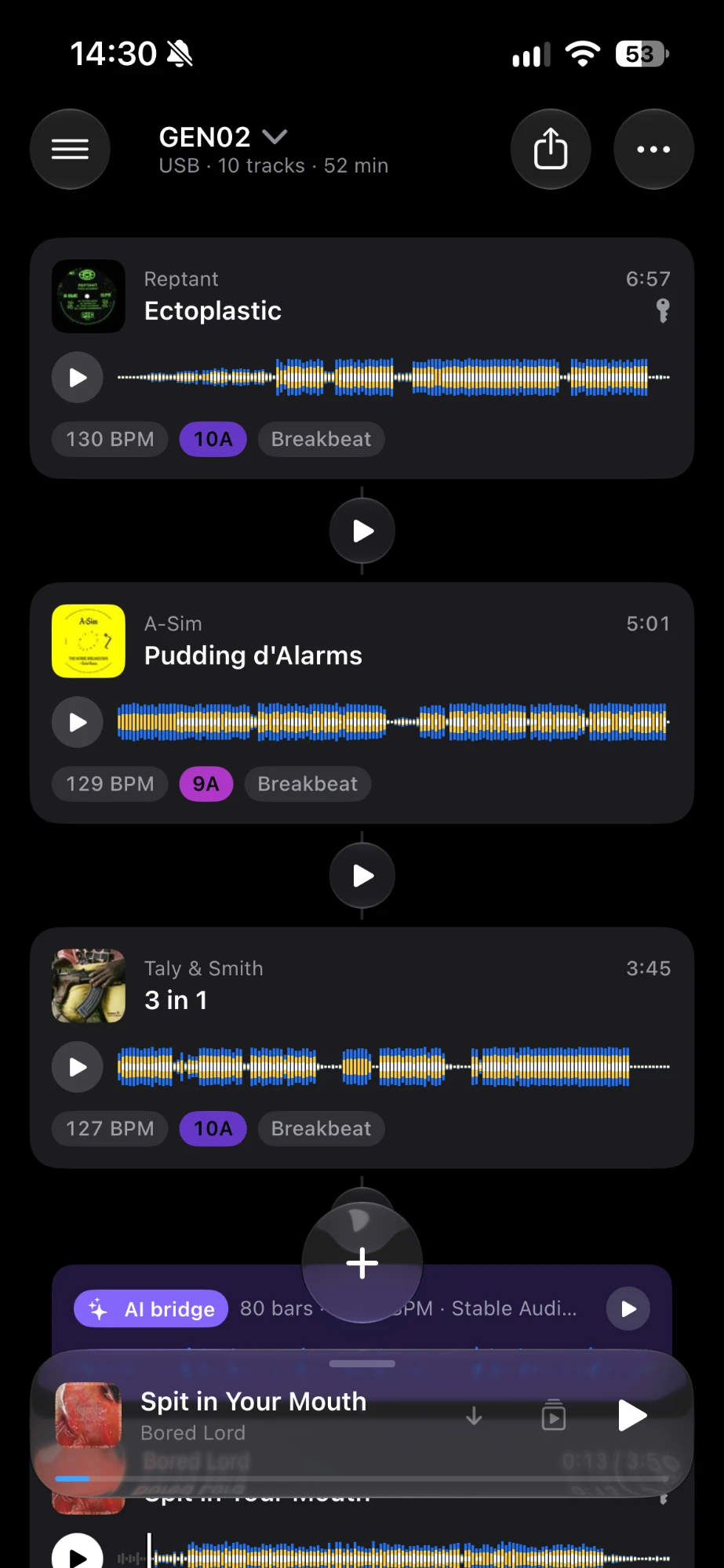
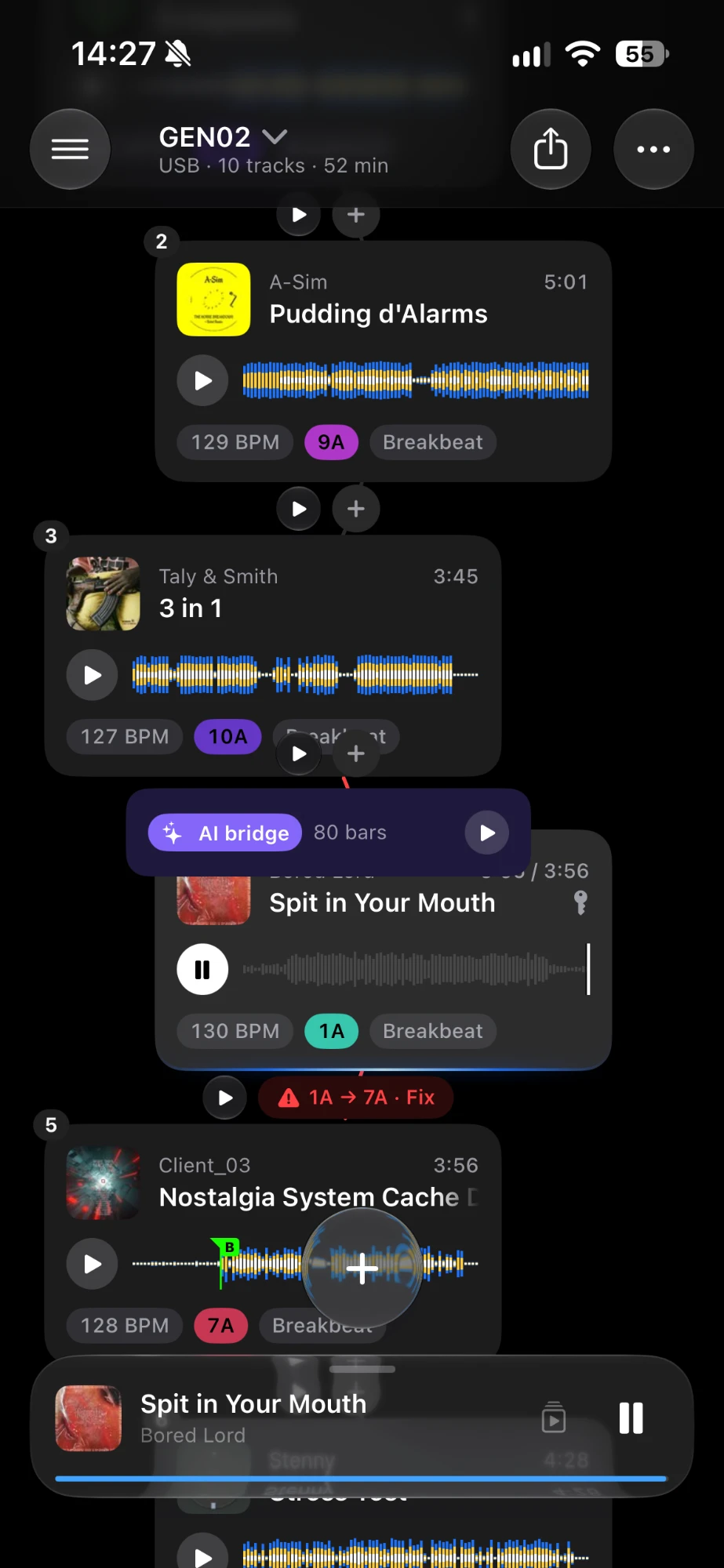
Pick the key tracks. Setflow finds what fits between them, and generates an AI bridge where nothing does.
How it works
- Choose the key tracks that must be in the set.
- Setflow picks tracks between them along a line in energy, tone and tempo.
- Clashing transitions get fixes: add a track, swap one, or generate an AI bridge.